
Video transcript
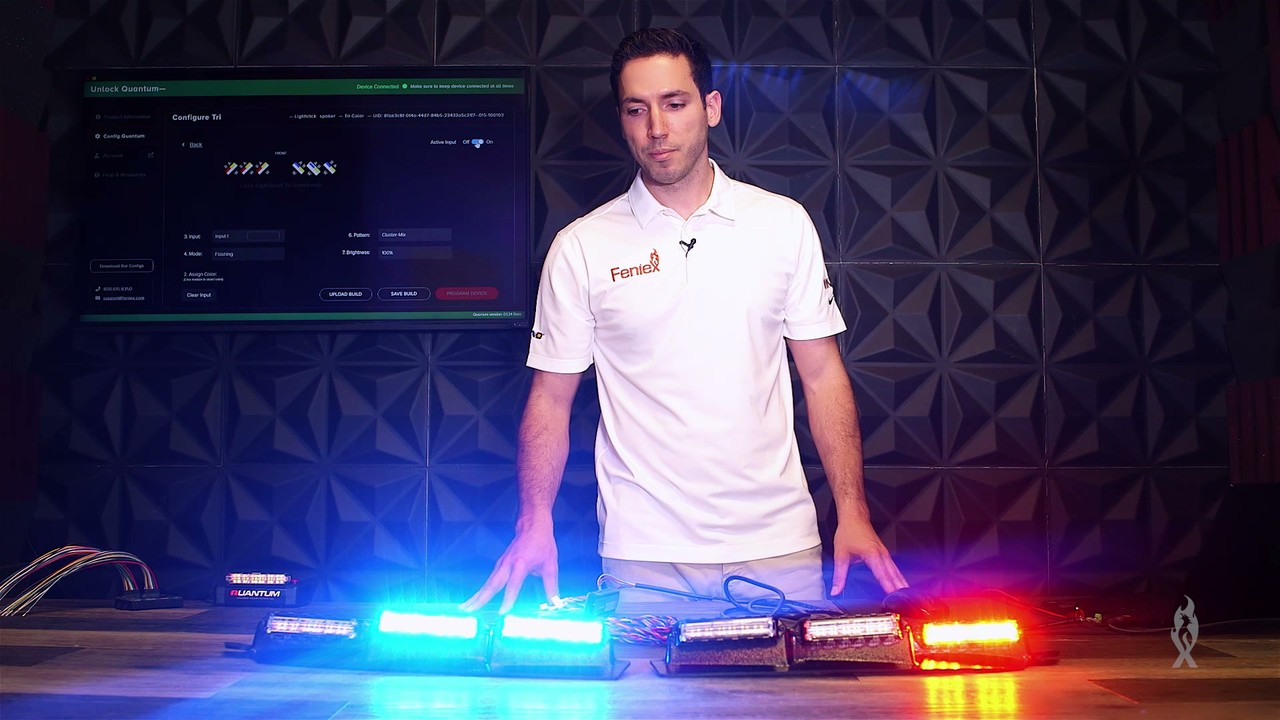
Download PDFTo give the example of low power, I first need to program a flash function, so I'll select the pattern brightness at 100% and the zone I wish to program. In this case, I'll set Zone 1 to red & blue flashing. I'll then click Input 2. I'll set that to low power and select that zone, Zone 1. Now, every time Input 2 is activated, Zone 1 will dim to 10% regardless of what function or pattern it's on. I'll now activate live mode on Input 1, which is flashing Zone 1 in a red blue sequence. Now when I activate Input 2, it'll dim that zone to 10%. Now, when it comes to cutoff programming, that's really straightforward. I'll select the input I wish to program cutoff, and then the click the zone that I wish to deactivate. I'll program my device when activating live mode Input 1 flashing. I can now click Input 3, and Input 3 will automatically cut off the modules. And again, it's really that simple. When it comes to programming low power or cutoff, you first select the input, then one of those functions and the zone you wish to tie it to.
About this course
Q Series
Meet the Q Series family, compare 3 Mode and Serial wiring, then program patterns, colors, zones and inputs. Closes with what ships in each box.
- 1Intro
- 1Install & Wiring
- 15Programming
- 5Unboxing
Keep going