7 Things You Need to Know About Build-A-Car
 By
·
4 minute read
Feniex Build-A-Car is the free tool on feniex.com that puts our emergency lights on a picture of your vehicle, zone by zone. It shows only the lights that fit, totals the package as you go, and ends with the whole build in your cart or on its way to us for a quote. It covers 15 police, fire and utility vehicles today: eight SUVs, six pickups and the Dodge Charger.
Here are the seven things to know before you start a build.
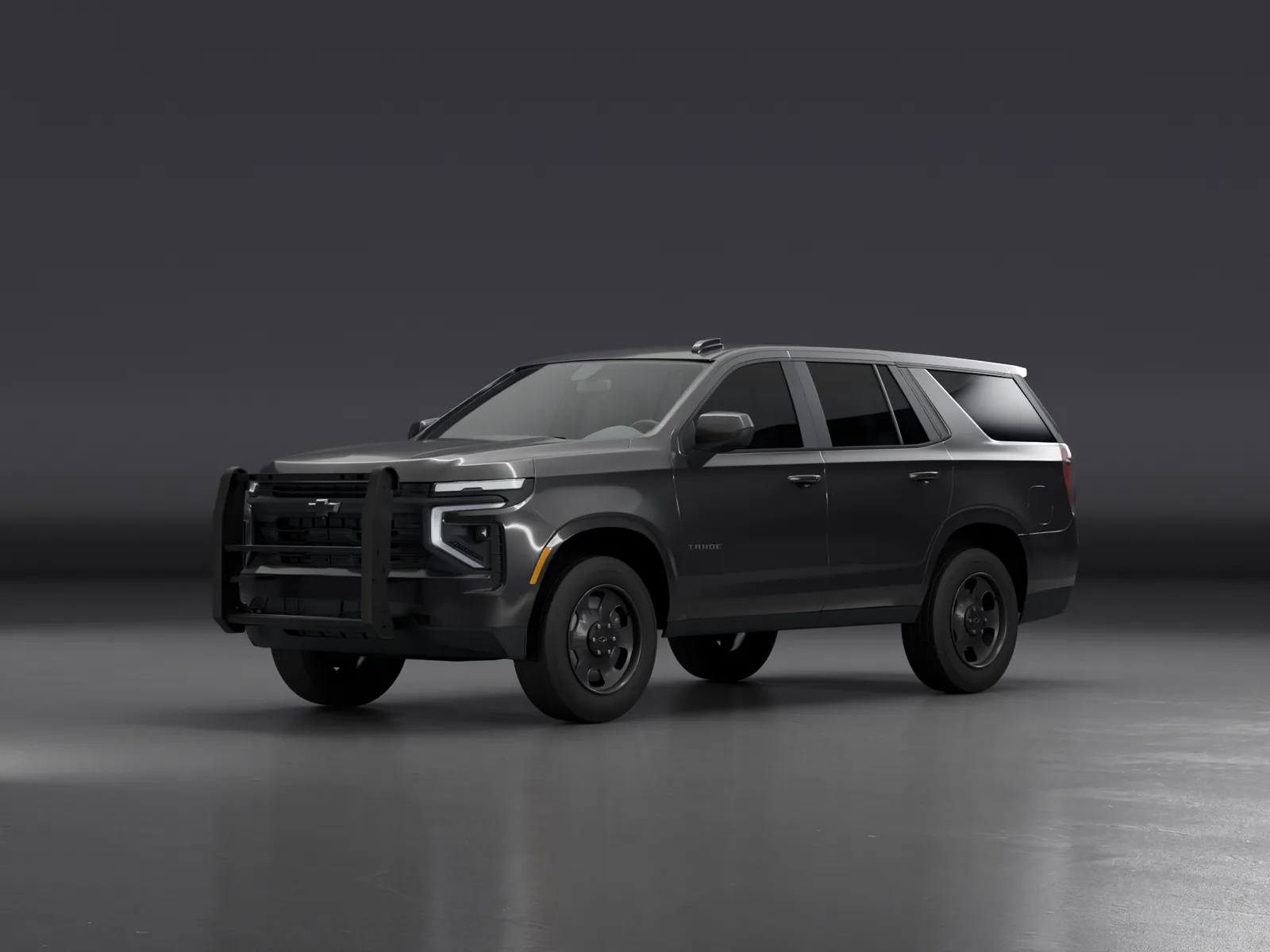
1. Feniex Build-A-Car covers 15 Chevy, Dodge and Ford vehicles
Pick the vehicle and the years that match yours. Each one opens its own builder.
The vehicles on the Build-A-Car page on November 17, 2026.
If your vehicle isn't on the list, you can still shop our lights for it, or find a Feniex dealer to help you choose and install them.
2. You choose your vehicle, push bumper and job first
The Build-A-Car page asks three things before the builder opens:
- Your vehicle: SUV, pickup or sedan, then the brand, model and years.
- Your push bumper: yes or no. With one, the bumper's mounting spots open up. You can change the answer inside the builder.
- Your job: Police, Fire or Utility. On most vehicles the tab loads a starting build that you can change or clear.
3. Each zone on the vehicle takes one product
The builder shows your vehicle from the front, the side and the rear (two of the three on the F-150 and F-450). Every spot you can light is a zone: the roof, behind the windshield, the mirrors, the grille and headlights, the siren speakers, the push bumper, the sides and the rear. Tap a zone and the builder lists the products that fit it. Pick one, or leave the zone empty. A product that mounts in pairs, such as a set of surface mounts, is placed as a pair.
Some products ask one more question before you can finish. A Quantum® light asks for its unlock level, and a Q Series light asks whether it runs 3-Mode or Serial. The total at the bottom updates with every choice.
4. Quantum®, Fusion and Q Series lights are all in it
Fusion is in Build-A-Car alongside Quantum® and Q Series. What each vehicle offers depends on what fits it, and the roof choices differ the most from one vehicle to the next.
- Quantum®: 44", 49" and 60" lightbars, mini lightbars, sticks, interior lightbars, pillar and spoiler bars and rocker panels. Every module runs five colors, and you choose Dual, Tri or Full unlock. The unlock level sets the warranty: 10 years at Full and 5 years at Dual or Tri for the lightbars, minis, sticks, interior, pillar and spoiler bars, and 2 years for rocker panels at every level.
- Fusion: 44", 49" and 60" lightbars, mini lightbars, sticks, dash and interior lights, surface mounts, under-mirror lights and rocker panels.
- Q Series: surface mounts, under-mirror lights, window shrouds and sticks, in 3-Mode or Serial.
- Speakers and more: Triton, Vanguard and Hammer siren speakers, Quad Cannons and AM900 work lights, where they fit.
5. Controllers and sirens come in the Add-ons step
Lights need something to run them. Controllers, sirens and modules sit inside the vehicle, so they have no spot on the picture. They have their own step, Add-ons, after the outside of the vehicle. Everything there is optional, because many buyers already own a controller.
If you choose Serial for a Q Series light, the builder asks how you'll control it and offers a SynQ® controller or a Q Link module. SynQ® is our push-button siren and light controller: one unit runs the lights and the siren. If you are not sure what your build needs to work, our guide to light and siren controllers explains the choices.
6. Finalize shows the whole build, with a code you can share
When every product is set, Finalize shows your build: each product, a subtotal for the front, side and rear views, and the total. From there you can:
Set how many vehicles
Outfitting a fleet? Set how many vehicles get this build.
Get the spec sheet
Download a sheet that lists every product in the build, for your records or your installer.
Email or share it
Email the build, or copy its link to send to whoever signs off on the purchase.
Keep the build code
Every finished build gets a code: FNX- and six letters and numbers. Type it under "Have a build code?" on the Build-A-Car page to load a copy of the build.
7. You can buy it online or ask for a quote
Add build to cart puts the whole build in your cart as one line, and you check out like any other order, as a guest or signed in.
Request a Quote is for buyers paying on a purchase order or net terms, or buying for an agency or fleet. It sends the build, with its code, and we reply with a quote. You can still add the same build to your cart and pay by card.
Build-A-Car is in the main menu on every page of feniex.com, and at feniex.com/build-a-car. For more on planning an install, read the basics of emergency vehicle upfitting.